
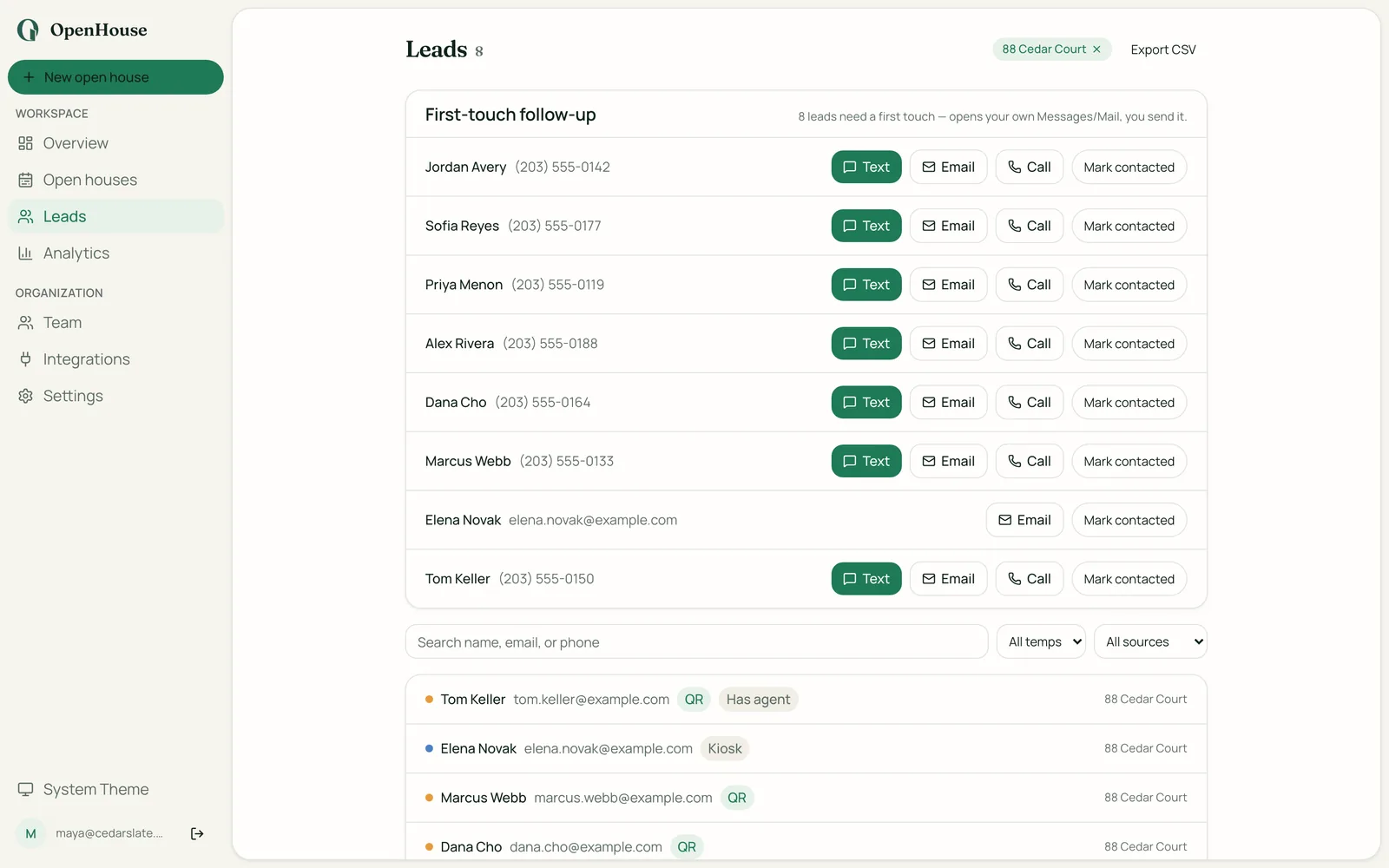
You are switching from Curb Hero for one reason, usually: you want to be the only person who ever contacts your open house leads. Curb Hero is a genuinely good free app, and this page is not going to pretend otherwise. But it is free because lenders help pay for it, and if that arrangement stopped sitting right with you, moving to a paid private tool is a straightforward switch. This guide covers why agents make the move, how to get your existing leads out cleanly, how to set OpenHouse up for your next open house, and what actually changes on the sign-in table. It is an honest trade: you give up $0 pricing to get a form with no lender on it.
The short version
- Switch to OpenHouse if you want your leads captured privately by design, with no lender paired to your listing, capture that works with zero connectivity, and a small subscription instead of a co-marketing sponsor. You will pay $9.99/month.
- Stay on Curb Hero if free is the deciding factor, you use its QR marketing microsites, you run your kiosk on an Android tablet, or you already work with a lender and like having one attached to your open houses.
Want the side-by-side first? The OpenHouse vs Curb Hero head-to-head lays out the full feature table. This page is about the move itself.
Why agents leave Curb Hero: the lender model, in Curb Hero's words
Curb Hero is upfront about how it stays free, and that transparency is worth crediting. According to Curb Hero's help center, "lenders pay us to advertise on Curb Hero," and the company states it "will remain free for real estate agents" because "our commercial agreements with lenders will cover our costs." In practice a default lender can be paired to your listings, and when the enhanced features are on, a mortgage question appears on the sign-in so the app can, in its words, know "which leads actually want mortgage info." When a visitor opts into that question, the paired lender receives that lead.
Plenty of agents are fine with this. If you already partner with a loan officer, a paired lender on your form is a feature, not a problem, and the opt-in mortgage question can surface financing-ready buyers. That is a legitimate way to run open houses.
The agents who switch tend to feel differently about ownership. You did door duty for three hours; the leads that came out of it are the product of your Sunday, and the idea that an outside sponsor gets introduced to them the moment a visitor taps a box is the thing they want gone. It is not that Curb Hero does anything hidden. It is that they want zero third parties in the loop, ever, and the only reliable way to get that is a tool that nobody but the agent pays for. That instinct is the whole reason OpenHouse charges money: it is private-by-design lead capture, funded by your subscription, so there is no second party to share with even if we wanted one. If you are still deciding how much this matters, who actually sees your open house data walks through it plainly.
One honest note before you commit to switching: Curb Hero's help center says agents in most of the US and Canada can disable the default lender inside listing setup. Doing that also removes the mortgage question and, per the same doc, disables some of the enhanced features. So you can reduce the lender presence without leaving. The reason to switch anyway is that you want no lender path to exist at all, not one you have to remember to turn off on every listing.
What actually changes when you switch
Here is the before-and-after, so nothing surprises you at the door.
| Curb Hero (before) | OpenHouse (after) | |
|---|---|---|
| Price | Free for solo agents (paid team tiers) | $9.99/month or $79.99/year, one-month trial |
| How it's funded | Lenders pay to advertise, per its help docs | Your subscription only |
| Lender on your form | A default lender can be paired to listings | None, ever |
| Account to sign into | Yes | No account at all |
| Works with no signal | Cloud-connected platform | Zero network calls by design |
| Where new leads live | Curb Hero's cloud | On your device until you export |
| Kiosk lockdown | Digital sign-in | PIN kiosk mode + Apple Guided Access |
| QR self sign-in | Yes | Yes, on the visitor's own phone |
| CRM handoff | 6000+ integrations via its platform | Follow Up Boss, HubSpot, BoldTrail/kvCORE, Lofty, Sierra + CSV/vCard/Contacts |
| Platforms | iOS, Android, web | iPhone, iPad, web app (no native Android) |
| If you stop paying | Free, not applicable | Read-only mode; leads stay exportable |
The two lines that make people switch are lender presence and offline reliability. The line that makes people hesitate is platform: if your kiosk is an Android tablet, OpenHouse has a web app but no native Android app, so plan around that.
Step 1: get your existing Curb Hero leads out first
Do this before you touch anything else. Your lead history is worth more than any app comparison.
Curb Hero keeps captured leads in its cloud platform, and it says its sign-in app "doesn't require internet" while syncing to that cloud when connected. Two ways your history is probably already reachable:
- Your CRM. If you connected Curb Hero to a CRM or to Zapier during setup, most of your captured leads have been flowing into that CRM the whole time. Open it and confirm the contacts are there. That is the copy that matters, because it is the one you control.
- The Curb Hero web dashboard. Log in and export your leads to a file. Save it somewhere you own (not just the Downloads folder on one laptop). Menu names shift over time, so check Curb Hero's site for the current export path rather than trusting a screenshot from a forum.
You are not migrating this history into OpenHouse. OpenHouse captures going forward and hands leads to your CRM; it is not a bulk-import tool. The goal of Step 1 is simply to make sure the leads you already earned are safe in a place that does not depend on Curb Hero's servers staying up or your account staying active. Once your database lives in your CRM and a saved export, you are free to switch capture tools without losing a single contact.
Step 2: set up OpenHouse for your next open house
Setup is short because there is no account to create.
- Install on the iPad or iPhone you will run at the door. No login, no registration, nothing to activate at the table.
- Create the listing and pick your fields. Name, email, and phone by default, plus any custom questions you want. There is no mortgage question and no lender, so decide what you want to ask.
- Turn on kiosk mode. OpenHouse has a PIN-protected kiosk and supports Apple Guided Access, so a visitor cannot back out of your form into the rest of the iPad. This is the piece that replaces Curb Hero's locked sign-in.
- Decide table vs QR. Run the single-screen sign-in on the iPad, or show a QR code so visitors sign in on their own phones. You can do both at the same event.
Then do the one test that matters: put the device in airplane mode and capture five practice sign-ins. Because OpenHouse makes zero network calls during capture, it behaves identically with the Wi-Fi off. This is the exact scenario a vacant listing with one bar of LTE throws at you, and it is worth proving to yourself before a live event, not during one.
Step 3: point your new leads at the same CRM
The switch should not disturb your Monday-morning follow-up. After each event, OpenHouse hands leads off with export and native CRM delivery: direct to Follow Up Boss, HubSpot, BoldTrail/kvCORE, Lofty, or Sierra, or out as CSV, vCard, and Apple Contacts. Point it at the same CRM you fed with Curb Hero and your routine is unchanged, minus the lender.
Two differences from Curb Hero worth naming honestly. First, OpenHouse does not hold a continuous live two-way sync into your CRM the way a cloud-first platform does; it does a clean push after the event, and the leads stay on the device until you send them. Second, OpenHouse gives you a morning-after recap that lists who to call, sorted so the represented buyers, hot leads, neighbors, and investors are already grouped. It does not score leads or run a leaderboard. It just hands you a prioritized callback list.
What you give up by switching
A fair switching guide has to name the costs, not just the wins.
- The price. Curb Hero is free and well reviewed. OpenHouse is $9.99/month or $79.99/year after a one-month trial. If budget is tight between closings, that is a real line item, and it is fine to decide the privacy is not worth it yet. See what OpenHouse costs in full.
- Android. Curb Hero runs natively on Android tablets and phones. OpenHouse is native iPhone and iPad only, with a browser-based web app as the cross-platform option. There is no native Android kiosk.
- QR marketing microsites and 6000+ integrations. Curb Hero's listing microsites and its very wide integration catalog reach past the open house itself. OpenHouse does not try to compete there; it is a sign-in and lead tool, not a marketing platform.
- A live CRM sync. As noted above, OpenHouse pushes cleanly but does not maintain a persistent two-way CRM connection.
If those trade-offs give you pause, it is worth looking at the full field of Curb Hero alternatives before you commit, so you switch to the right thing rather than the first thing.
Is the paid trade worth it?
The whole switch comes down to a single question: is having no lender attached to your open house, plus capture that works in a dead-zone listing, worth about the price of two coffees a month? For an agent whose entire pitch to sellers is that their buyers' data stays private, the answer is usually yes, and the subscription is easy to justify because it is the thing that keeps any third party out of the loop. For a brand-new agent counting every dollar who is comfortable with the lender model, the answer might reasonably be no, and Curb Hero's free tier is a genuinely strong place to stay.
If you do switch, the sequence is simple: get your existing leads safe in your CRM and a saved export, set OpenHouse up with kiosk mode, test it in airplane mode, and point new leads at the same CRM. The first month is free, so you can run a real open house on it before you pay anything and see whether the private, offline version of your setup feels better than the free one.
Sources
- Curb Hero homepage, Curb Hero (Block Party), seen 2026-08-06.
- Who are these lenders on my listings and sign-in questions?, Curb Hero (Block Party) Help Center, seen 2026-08-06.