
Switching from Open Home Pro to OpenHouse is mostly two moves: export the leads you already have out of Open Home Pro, then set up OpenHouse for your next event. Nothing gets lost in between if you do the export first. Most agents make the switch for two plain reasons: they want sign-in that never depends on a connection or an account, and they want a tool that captures leads and hands them off without an upsell once they pass a free lead cap. This page covers why agents leave, what carries over, what you give up, and the exact steps to move without dropping a single contact.
If you have not decided yet and want the side-by-side first, the full OpenHouse vs Open Home Pro head-to-head lays out the feature table. This page assumes you have mostly made up your mind and want the migration steps.
The short version
- Switch if you run open houses in buildings with weak signal, you dislike depending on an account and a sync at the door, or you have bumped into Open Home Pro's free lead cap and do not want to pay for a follow-up tier you will not use.
- Stay on Open Home Pro if its free plan covers you, you want single-property websites and its automatic follow-up emails, or you run sign-in on an Android tablet. OpenHouse does not do those things.
- The move itself is straightforward: export your leads, install OpenHouse, start the one-month free trial, set up your first listing, and dry-run it in airplane mode before the open house.
Why agents switch from Open Home Pro
Open Home Pro is an established app, and plenty of agents have used it for years. The reasons people leave tend to cluster around two things.
Offline behavior and the account dependency. Open Home Pro's site says its mobile app works offline and syncs when you reconnect, per Open Home Pro's homepage. That is a cloud app that queues data behind an account and reconciles it later. It works, but it also means there is a login that can fail at the door and a sync you have to trust after the event. Vacant listings are the problem case: the sellers moved out, the internet got cancelled, and the back bedroom where you set up the table has no bars. OpenHouse takes the opposite bet. It makes zero network calls, and there is no account to sign into, so a dead spot changes nothing about how sign-in behaves. If that is the reason you are looking, read how true offline lead capture works before you commit.
The free cap and the paid follow-up tier. Open Home Pro's free plan lets you run unlimited open houses but caps the leads you can manage at 25, with automatic follow-up emails and personalized email branding reserved for its Premium plan, which the site says starts at $20 per month billed annually (Open Home Pro homepage). Twenty-five leads goes fast for an active agent. When you hit that wall, the choice is upgrade or export. Agents who mainly want reliable capture and a clean handoff, and who already run follow-up in a CRM or their own inbox, often decide they would rather pay for the capture tool than for an email feature they will not use.
What Open Home Pro does well
A fair migration guide says this part out loud, because you should switch with your eyes open. Open Home Pro has real strengths, and OpenHouse does not try to match all of them.
Its single-property websites and marketing extras go beyond the sign-in moment. Its automatic follow-up emails on the Premium plan will email visitors for you, which is a genuine convenience if you want the app to own first-touch outreach. It supports Android tablets as well as iPad and a web version, so it is not locked to Apple hardware. And on privacy, Open Home Pro states plainly that "your leads are your leads" and that it does not contact or sell them (Open Home Pro homepage). If those features are the core of why you use it, weigh the switch carefully. You may be trading away something you rely on.
What changes when you move to OpenHouse
Here is what the day-to-day looks like after the switch.
Sign-in gets simpler and more reliable. OpenHouse is one screen: name, email, phone, plus any custom questions you add. The form is deliberately short so a visitor holding a coffee and a toddler actually finishes it. Read how the single-screen sign-in is built. A PIN kiosk mode and Apple Guided Access lock the iPad to that form, and a QR option lets visitors sign in on their own phone, which is the same self-service idea as Open Home Pro's QR code forms.
Your data stops living in someone else's cloud. With OpenHouse, leads write to local storage on the device and stay there until you export them. There is no account, no lender co-branding, and nothing is ever sold. That is private-by-design lead capture, and it is the same instinct behind Open Home Pro's "we do not sell your leads" promise, taken one step further into the app's architecture.
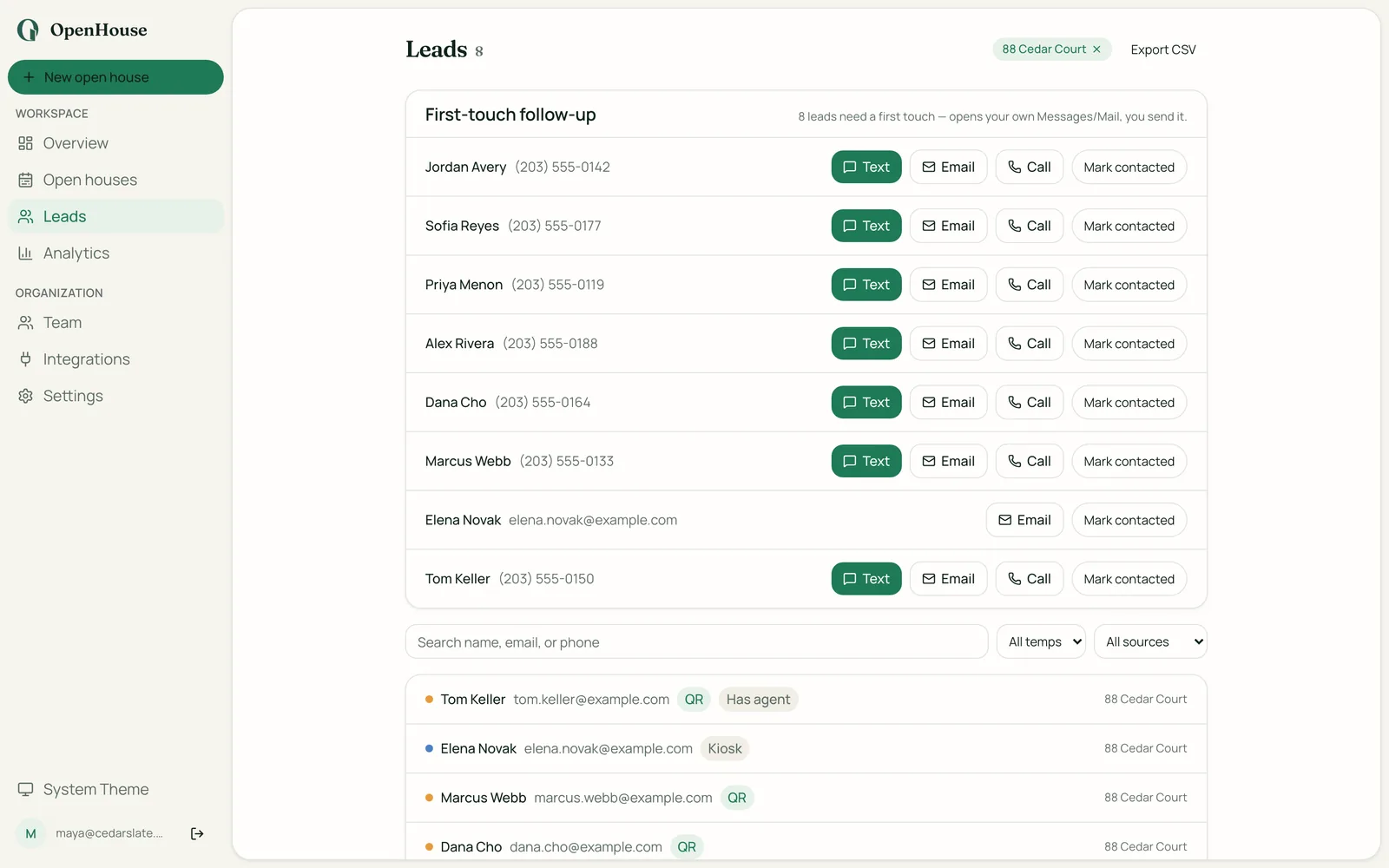
Follow-up moves to you, not the app. OpenHouse is not a CRM and does not run drip campaigns. It gives you Text Now and Email Now first-touch from your own number and email, plus a morning-after recap that lists who to call. After that you push contacts wherever you already work: export to CSV, Apple Contacts, vCard, or straight into your CRM, including Follow Up Boss, HubSpot, BoldTrail, Lofty, and Sierra. A seller report PDF turns the afternoon into a listing-presentation asset.
How to switch from Open Home Pro to OpenHouse
The whole migration takes an evening. Do it in this order.
Step 1: Export your leads from Open Home Pro
Do this first, before you cancel anything. Open Home Pro lists lead exporting on both its free and paid plans, so log into the web version at app.openhomepro.com and download your contacts as a file. Save that export somewhere you control: a cloud drive folder, your desktop, an email to yourself. The point is to have your full lead history in a file that does not depend on Open Home Pro's servers staying up or your account staying active. This is the single most important step. An app comparison matters far less than making sure years of buyer conversations are safe in your own hands.
Step 2: Install OpenHouse and start the free month
Download OpenHouse from the App Store on your iPhone or iPad, or open the web app at app.openhousekiosk.com. Start the one-month free trial. There is nothing to pay to test it, and no account is required to run sign-in on the device. If you want to see the numbers first, what OpenHouse costs is spelled out plainly, including what happens if a plan ever lapses.
Step 3: Set up your first listing and kiosk
Create your next open house in the app, add any custom questions you want beyond name, email, and phone, then turn on kiosk mode with a PIN and, if you want an extra lock, Apple Guided Access. This is the setup you hand a visitor. Take two minutes to sign yourself in as a test so you know exactly what the form looks like before real traffic hits it.
Step 4: Bring your contacts and CRM along
Take the file you exported in Step 1 and import it where you actually run follow-up. If that is Apple Contacts, import the CSV or vCard there. If it is a CRM like Follow Up Boss, HubSpot, BoldTrail, Lofty, or Sierra, import the file into the CRM. Going forward, OpenHouse hands new leads to those same destinations after each event, so your Open Home Pro history and your OpenHouse leads end up in one place.
Step 5: Dry-run in airplane mode before the open house
This is the step that proves the reason you switched. Put the device in airplane mode, then run five test sign-ins. Every one should save instantly with no spinner and no error, because OpenHouse is not calling out to a server. Confirm the leads are all there when you look at the list. Once you have watched it capture with no connection, you will trust it at a real event in a building with one bar of signal.
What you give up
An honest switch guide names the trade-offs. Moving to OpenHouse means leaving some things behind.
- No Android app. OpenHouse is iPhone, iPad, and a web app. If your sign-in device is an Android tablet, OpenHouse will not run on it natively.
- No single-property websites or listing marketing pages. Open Home Pro builds those. OpenHouse focuses on capture and handoff and does not.
- No automatic follow-up emails from the app. OpenHouse gives you one-tap first-touch from your own number and email and a call list the next morning, but it does not run automated email sequences the way Open Home Pro's Premium plan does. It is not a CRM.
- No permanent free tier. Open Home Pro has a free plan. OpenHouse has a one-month free trial and then a paid subscription.
If any of those are dealbreakers, that is useful to learn now. If you want to see how OpenHouse stacks up against the rest of the field before you decide, the roundup of other Open Home Pro alternatives covers the options with the same honest treatment.
Pricing: free tier vs one flat subscription
The money question is simple once you frame it right. Open Home Pro's free plan is genuinely free, capped at 25 managed leads, with Premium starting at $20 per month billed annually per its site. OpenHouse is $9.99 per month or $79.99 per year with a one-month free trial and no permanent free tier.
So the comparison depends on where you sit. If Open Home Pro's free plan covers your volume and you do not want the follow-up email tools, free beats $9.99, plainly. If you have outgrown the 25-lead cap and are looking at Open Home Pro Premium at $20 per month, OpenHouse at $9.99 per month is the cheaper capture tool, with the trade that follow-up lives in your CRM rather than in the app. One more thing worth knowing: if an OpenHouse subscription lapses, the app drops into a read-only mode where every lead stays viewable and exportable. A lapse stops you from running new events. It never locks away the contacts you already captured.
So, should you switch?
Switch if reliability and simplicity are what you are after. If your listings have spotty signal, if you are tired of an account and a sync standing between a visitor and the form, or if you have hit the free lead cap and would rather pay for capture than for an email feature, OpenHouse fits. Stay put if you lean on single-property websites, want the app to send follow-up emails for you, or run sign-in on Android. Either way, export your Open Home Pro leads before you do anything else, then take the one free month to prove OpenHouse in airplane mode before you pay a cent. If it captures five sign-ins with the connection off, you already have your answer.
Frequently asked questions
Can I export my leads out of Open Home Pro before I switch?
Yes. Open Home Pro lists lead exporting as a feature on both its free and paid plans, so you can download your contacts as a file from the web version at app.openhomepro.com before you cancel. Save that export somewhere you control, then import it into OpenHouse or your CRM. Do the export first, always, before you touch the subscription.
Why do agents switch from Open Home Pro to OpenHouse?
The two reasons we hear most are reliability and simplicity. OpenHouse makes zero network calls and needs no account, so there is no login to fail and no sync to reconcile at the door. And OpenHouse does capture and handoff without pushing you toward a paid follow-up tier once you pass a lead cap.
Does Open Home Pro work offline?
Open Home Pro's site says its mobile app works offline and syncs when you reconnect, so it is a cloud app that queues data behind an account. OpenHouse takes a different approach: every sign-in writes to local storage on the device with no network call at all and no account to log into, so there is nothing to sync afterward.
What does OpenHouse cost compared to Open Home Pro?
Open Home Pro has a free plan that caps managed leads at 25, and a Premium plan its site says starts at $20 per month billed annually. OpenHouse is $9.99 per month or $79.99 per year with a one-month free trial and no permanent free tier. If your OpenHouse plan lapses, the app stays read-only so your leads remain viewable and exportable.
Will I lose any features by switching?
Some. Open Home Pro builds single-property websites, runs automatic follow-up emails on its Premium plan, and supports Android tablets. OpenHouse does none of those. OpenHouse is iPhone and iPad plus a web app, it is not a CRM, and it hands leads to the follow-up tools you already use rather than emailing on your behalf.
Do I need a new iPad to run OpenHouse?
No, if you already use an iPad for Open Home Pro. OpenHouse runs on the same iPhone or iPad you already own, with a PIN kiosk mode and Apple Guided Access to lock the screen to the sign-in form. There is also a QR option so visitors can sign in on their own phone.
Can visitors still sign in with a QR code like Open Home Pro's QR forms?
Yes. OpenHouse shows a QR code that a visitor scans to open the sign-in form on their own phone, which is the same self-sign-in idea as Open Home Pro's QR code forms. The difference is that the OpenHouse form and the leads it captures stay on your device.
Are my Open Home Pro leads private, and are OpenHouse leads private?
Open Home Pro states that your leads are yours and that it does not contact or sell them. OpenHouse goes a step further by design: leads live on your device by default, there is no lender co-branding, and nothing is sold. You export contacts yourself when you are ready to move them.
Sources
- Open Home Pro homepage. Pricing, the 25-lead free cap, lead export, single-property websites, Android support, offline sync, and lead-privacy statements seen 2026-08-06.