
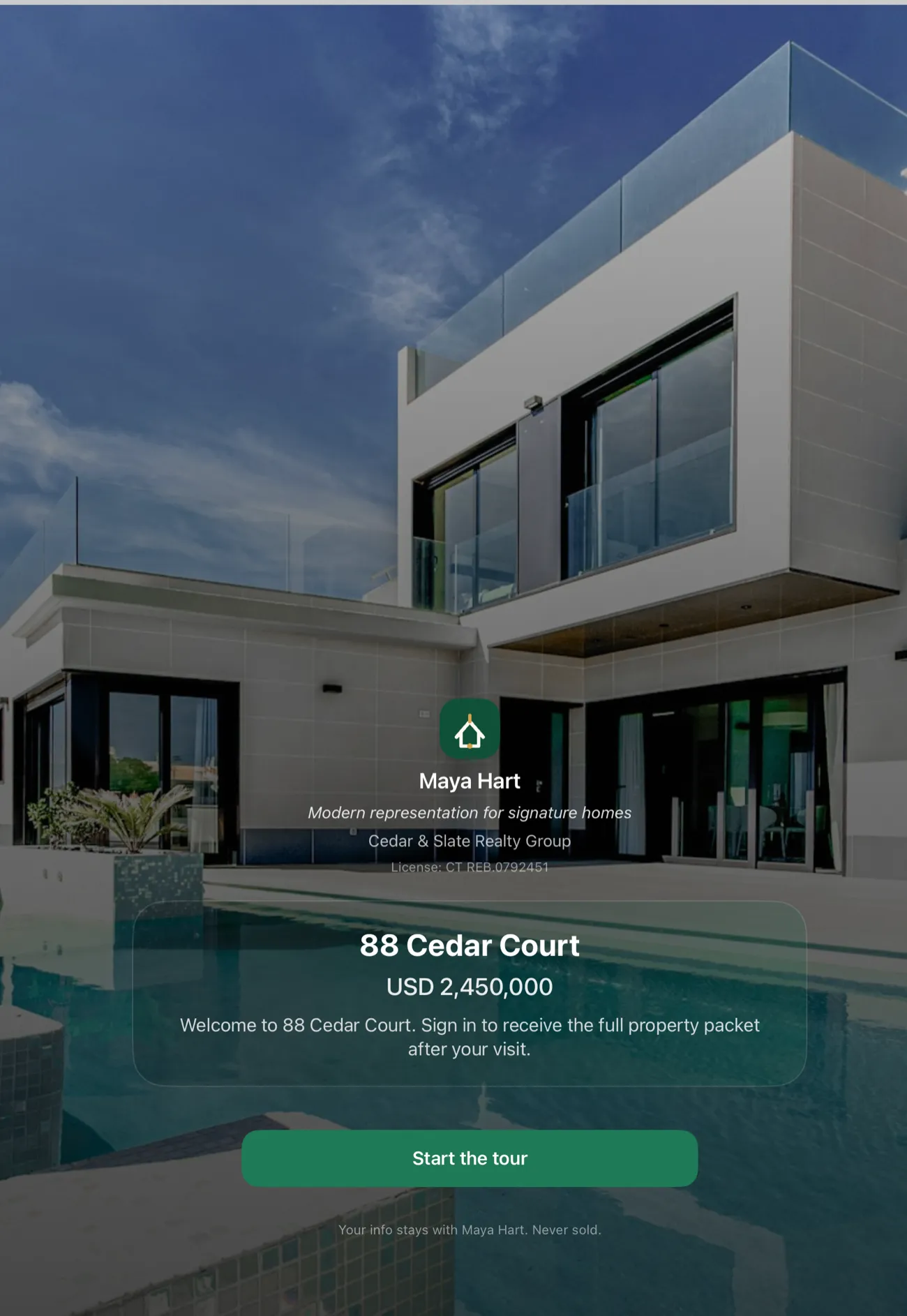
Model home sign in app needs are different from a weekend residential open house, and most sign-in tools aren't built for them. A busy new-construction community might process dozens of walk-ins every day, not just on Sundays. The model home often has no internet connection. The questions that matter differ: you need to know whether a visitor is already working with a buyer's agent, who that agent is, and whether this is their first visit or a return. You need a daily traffic report your builder or sales manager can scan in two minutes. And when the sales rep goes home, the sign-in process still has to run unattended by the front door.
OpenHouse handles all of that on a single iPad, with no Wi-Fi and no account to set up.
Why new construction is a different problem
A residential open house runs for two or three hours, once. A model home runs six or seven days a week, month after month. The sign-in discipline you build there shapes your entire sales pipeline, which buyers are represented, which agents keep bringing clients, how many self-generated walk-ins convert.
Most sign-in tools treat this as a data-entry problem: capture a name and email, sync it to a cloud dashboard, follow up later. Builder sales reps need something more structured:
- Buyer representation status. Is this visitor already working with an agent? If so, who, and when did they first register? Getting this wrong costs you a co-op commission or a relationship with a buyer's agent who feels burned.
- Return visitor tracking. The couple who walked through the Arlington plan three Saturdays ago, are they back? On a paper clipboard, you'd never know. In OpenHouse, their name is in the lead list from the first visit.
- Daily traffic totals. Your builder wants to know how many people walked through this week. Your manager wants to see Saturday traffic vs. Sunday. A simple, exportable count is worth more than a cluttered cloud dashboard nobody logs into.
- Unattended sign-in. Model home traffic doesn't pause when the sales rep steps away to show a unit. The iPad by the door has to keep working, locked to the sign-in screen, with no help from the Wi-Fi that isn't there.
OpenHouse was designed around an offline-first architecture that makes all of this work without a server or an internet connection, which happens to be exactly what new-construction sites need.
The Wi-Fi problem in new builds
New construction is one of the worst environments for internet-dependent apps, and it doesn't get better once you know why.
Fresh framing and spray foam insulation are excellent at two things: energy efficiency and killing cellular signal. A model home at a suburban subdivision may sit five hundred meters from a cell tower and still show one bar inside. An attached garage, a finished basement, or a center-room location makes it worse. Builders rarely install permanent internet in spec homes, the connection comes with the buyer, not the building.
Sync-later sign-in apps, the kind that hold records in a local buffer and upload when signal returns, fail quietly here. The sign-in appears to work. The visitor taps done. But the upload queue sits unresolved for hours, and occasionally a record just doesn't make it. You find out when you're reconciling your lead list two days later and a name is missing.
Open Home Pro follows this model: sign-in runs on the tablet, and data syncs to your account afterward. Fine for a home with decent Wi-Fi. Less reliable in a new build where the signal might not return until the sales rep drives off the property.
OpenHouse works differently. There is no sync queue, no upload step, no backend to reach. Every sign-in is written directly to the database on the device the instant the visitor finishes. Not cached, not pending, done. When signal returns, nothing happens, because nothing was waiting. The lead was already there.
Roundups like The Close's open house app comparison flag offline reliability as a key criterion, and for good reason: it's the one criterion that separates apps that work everywhere from apps that work everywhere except where you're standing.
Setting up for model home traffic
Getting OpenHouse ready for a new-construction deployment takes about ten minutes:
1. Configure your sign-in questions. The default set covers name, email, and phone. For a model home, add:
- Are you currently working with a buyer's agent? (Yes / No / Browsing)
- If yes: Agent name and brokerage
- How did you hear about this community?
- Is this your first visit?
- Which floor plan are you most interested in?
These questions live on the device. You set them once and they appear on every sign-in until you change them. The single-screen sign-in keeps the form short enough that visitors fill it in on their own without a sales rep standing over them.
2. Enable kiosk mode. Builder deployments almost always run unattended. OpenHouse's built-in kiosk mode locks the iPad to the sign-in screen, prevents visitors from wandering into your lead list or settings, and auto-returns to the welcome screen after each completed form.
Pair kiosk mode with Apple's Guided Access, documented in Apple's Guided Access setup guide, and the iPad becomes a dedicated sign-in station that can't be hijacked by a curious visitor or a bored kid. The whole lockdown works without an internet connection, which matters when you're setting up in a model home at 8 a.m. before the LTE comes back.
3. Mount the iPad near the entrance. A stand at eye level by the front door, with a small sign explaining what to do ("Sign in to see all available floor plans and pricing"), is the standard setup. Visitors who feel like they're getting something in return (information, access, a follow-up) fill in real details. Visitors who feel like they're filling out a government form give you fake ones.
For sites with multiple model homes, one iPad per home is the right approach. Each captures independently, each exports independently, and you merge at the end of the day. The guide on running multiple open houses covers the logistics of managing several sign-in stations without losing data.
Tracking buyer's agent representation
Co-op commission disputes in new construction usually start with bad registration records. A buyer walks in unrepresented on visit one. An agent brings them back on visit three and claims they were always the buyer's rep. Without a timestamped record of visit one, you have nothing to counter with.
OpenHouse gives every lead record a timestamp and the answers to your sign-in questions. If your form asked "Are you working with an agent?" and the visitor answered "No" on the first visit, that answer is in the record. Export it to a CSV and you have a dated audit trail.
The process for registering buyer's agents is the same as capturing any visitor, you add the right questions to your sign-in form. Most builder sales reps use something like:
| Field | Why it matters |
|---|---|
| Buyer name | Ties the record to future visits |
| Contact info | Direct follow-up line |
| Agent name | Co-op eligibility |
| Agent brokerage | Cross-reference with MLS roster |
| First visit date | The timestamp is automatic; the question confirms the buyer's own recollection |
| Plan(s) of interest | Pre-qualifies before the showing |
With those fields in place, every walk-in creates a paper trail that survives personnel changes, dispute resolutions, and builder audits. The records stay on the device until you export them, and the export is a clean CSV you can import into any builder CRM or share with your sales manager.
Daily traffic reporting
One of the quieter frustrations of model home sales is the daily traffic report. Builders want it. Managers want it. Sales reps are the ones who have to produce it, often by hand from a paper sign-in log, at the end of a long day.
OpenHouse generates an event summary automatically. After every sign-in session, or at any point during the day, you can pull a seller report that shows total visitors, qualification status, and the breakdown of your sign-in questions. For a new-construction context that means you can glance at the dashboard and see: seventeen walk-ins today, nine unrepresented, five represented, three browsing; four people interested in the 2,200-square-foot plan, two in the townhouse.
That data exports as a PDF you can email to your sales manager or attach to your daily activity log. No manual tally, no transcribing from a clipboard.
For the weekly or monthly overview, you export CSVs and open them in Excel or Google Sheets. Sales managers at larger communities often have a standing filter: one column for represented vs. unrepresented, one for plan preference, one for date. The data structure OpenHouse exports maps directly to those filters.
Handing off to your CRM
Builder sales teams almost never capture leads and stop there. The lead goes into a CRM, Follow Up Boss, a builder-specific tool, a shared spreadsheet, where it joins the nurture sequence and gets tracked through the pipeline. OpenHouse doesn't connect directly to any CRM; instead, it produces clean export files you route manually or via a file importer.
The lead export and CRM handoff process supports CSV, PDF, vCard, and direct export to Apple Contacts. For builder teams, CSV is the most common path: export once a day, import into the builder's CRM, and let the nurture workflow take over. It takes about ninety seconds at end of day.
For teams where multiple people share the same device throughout the week, a shared export routine, same time each morning, same folder in Files, is the easiest way to keep the pipeline clean.
What about Curb Hero?
Curb Hero is genuinely popular, 4.9 stars and free is hard to argue with for most agents. For a new-construction deployment, two things are worth understanding:
First, Curb Hero is monetized through lender co-marketing. According to their help center documentation, a default lender may be assigned to your listing, and visitor information is shared with lenders when visitors opt into mortgage questions. For a builder with a preferred lender partnership already in place, a third-party lender appearing in the sign-in flow is awkward. For builders who want to control every touchpoint in the buying experience, it's a problem.
Second, Curb Hero requires an account and a connection to start an event. In a new build with no signal, that's friction you may not be able to clear.
If offline reliability and control over the lender experience matter for your model home, the trade-off favors OpenHouse. If you're price-sensitive and your model home has reliable Wi-Fi and a builder without a preferred lender conflict, Curb Hero is a fair option.
For the wider field, the open house sign-in software comparison covers each option on the four things a model home cares about: offline capture, who else sees the lead, speed at the door, and how the data comes back out.
Practical setup notes for model homes
A few things that come up consistently when deploying a sign-in station in a new build:
Battery. An iPad running kiosk mode all day can drop to twenty percent by 5 p.m. A pass-through charging cable under the stand, routed along the baseboard, keeps it topped up. Most model homes have power even before the owners move in.
Physical placement. Right inside the front door, at standing height. A floor-standing kiosk stand or a countertop mount on the entry table. Some builders add a small laser-printed sign above it with the community name and a short instruction line. The goal is that visitors can complete sign-in in the thirty seconds before the sales rep turns around to greet them.
Hand-off between reps. If two or three sales reps rotate through the model home across the week, the iPad stores all leads from all shifts. Each rep can review that day's sign-ins without touching another rep's event. At end of week, whoever manages the CRM import exports the full week's records as a single CSV.
Data retention. OpenHouse stores leads on the device indefinitely until you delete them. If a model home has been capturing traffic for six months, six months of lead records are on the iPad. Export periodically to avoid an enormous end-of-contract data extraction.
When a rep leaves. Builder sales teams have higher turnover than most. If the iPad is tied to a personal account, it becomes a handoff problem. OpenHouse requires no account, the device is the source of truth, not a login credential. Reassigning the iPad to a new rep means handing over the iPad. There's nothing to transfer in an admin portal.
Honest trade-offs
New construction deployments stress two real limitations worth knowing about before you commit:
No live sync between iPads. A large community with three model homes and three iPads captures leads on three separate devices. The iPad at the townhouse doesn't know what the iPad at the single-family home captured until you export both and merge. For most day-to-day operations this is fine. For a builder who wants a live dashboard showing all three homes simultaneously, this architecture can't provide it.
No cloud backup. Leads stay on the device until exported. A water-damaged or stolen iPad between export runs loses those records. The mitigation is simple, daily exports, but it's a manual habit that has to be established.
If daily exports feel like too much friction, HousingWire's open house app roundup includes cloud-backed options that sync continuously. You trade the simplicity and offline reliability of a local-only app for automatic off-site backup. Reasonable trade-off for some builder teams.
The pitch in plain terms
New construction walk-in traffic is a lead-capture problem that most sign-in apps weren't designed for. The Wi-Fi is bad, the questions are more complex, the daily reporting is a job in itself, and the stakes around buyer's agent registration are higher than at a residential weekend showing.
OpenHouse is an offline-first lead capture tool that happens to fit the model home environment unusually well: no account to configure, no signal required, a kiosk mode that runs all day unattended, and an export that drops cleanly into whatever CRM your builder already uses. The first month is free, try it at your next model home opening and see whether the afternoon traffic handles itself.
Frequently asked questions
Does OpenHouse work in a model home without Wi-Fi or cell signal?
Yes. The app makes zero network calls during sign-in. Every visitor record is written to the device the moment they finish the form, with no connection required. New construction sites, where fresh framing and foam insulation kill cellular signal, are exactly the environment it was designed for.
How do I flag whether a visitor is represented by a buyer's agent?
Add a qualification question to your sign-in form, something like "Are you currently working with an agent?" OpenHouse stores the answer with each lead record so you can filter represented vs. unrepresented buyers when you review traffic at the end of the day.
Can I register a buyer's agent at sign-in?
Yes. You can add fields for the agent's name and brokerage to your sign-in form. Many builder sales reps use these fields to track co-op commission eligibility and match returning visitors to the agent who registered them on the first visit.
How does a builder's sales team export leads to their CRM?
At the end of the day, or after each visitor, you export from OpenHouse as CSV, PDF, or vCard. That file goes straight into whatever system your team uses: Follow Up Boss, a builder-specific CRM, Google Sheets, or email to an onsite coordinator. The app does not connect to your CRM directly; it hands off a clean file you route however you want.
Can I run the same sign-in across multiple model homes on the same property?
Yes, with one iPad per home. Each device captures leads independently, offline. At the end of the day you export from each iPad and merge the CSVs in your CRM or a spreadsheet. There's no live sync between devices, but for model homes a few steps apart that's rarely a practical problem.
What happens to traffic data after my subscription lapses?
OpenHouse drops to a read-only mode. Every visitor record you captured stays viewable and exportable on the device, you are never locked out of your own data. Builder teams with high turnover can hand off an iPad knowing the history won't disappear if the subscription slips.