
Open house sign in apps for real estate teams have one job that an app built for a solo agent routinely fumbles: keep every agent's leads clean, tied to the right listing, and in front of the whole team before Monday. OpenHouse now does that with a shared team workspace. You invite your agents, each one runs their own listings, and every visitor they capture lands in one dashboard the whole team can see.
What made OpenHouse work at the door has not changed. Every event is still scoped to a single address, so leads never bleed between agents. Sign-in still works with no signal at all on iPad and iPhone. Your leads still belong to you, and OpenHouse still does not sell visitor data to a lender. What is new is everything after the door closes: shared visibility, automatic delivery into the team's CRM, and per-seat billing that follows your roster instead of your device count.
The team open house problem
Run a weekend with three agents covering three addresses and the problem surfaces fast: whose leads are whose, who has followed up, and how does any of it reach the team CRM without someone doing data entry on Monday morning?
Most open house apps were built for one agent with one listing, and teams end up patching around them. One agent emails a spreadsheet, another forgets, a third sends the wrong event, and the team lead reconstructs the weekend from memory. Paper sign-in sheets are worse. Nobody types them up until Tuesday, and by then the buyer has toured three more homes.
The fix has two halves, and most tools ship only one. At the door, capture has to be fast, private-feeling to the visitor, and reliable when the listing has no signal. After the door closes, those leads have to reach the rest of the team and the CRM without anyone thinking about it. OpenHouse does both: capture written to the device first so it survives a dead zone, then sync to a shared workspace the moment there is a connection.
What a team workspace gives you
Set the team up once and invite your agents by email. Each agent gets a seat, a login, and their own events. Here is what the team shares:
- One dashboard for every lead. Every visitor who signs in at any of your team's listings shows up in the same place, tagged with the address and the agent who hosted. No Monday scramble to collect files from five people.
- A team leaderboard. Sign-ins ranked by agent, so the "how did we actually do this weekend?" question gets answered without anyone tallying by hand. Some team leads run it at a Monday standup, some post it in the group chat.
- CRM delivery for the whole team. Connect Follow Up Boss, HubSpot, kvCORE, BoldTrail, Lofty, or Sierra Interactive once and every agent's leads send into the team pipeline after each event, tagged with the property address.
- Seats you control. Add a seat when an agent joins, drop it when they leave. Billing follows the roster, not a contract you negotiated in January.
What the team does not get is one crowded pool of mixed-up contacts. The next section covers how the separation holds.
Keeping leads separated by agent and listing
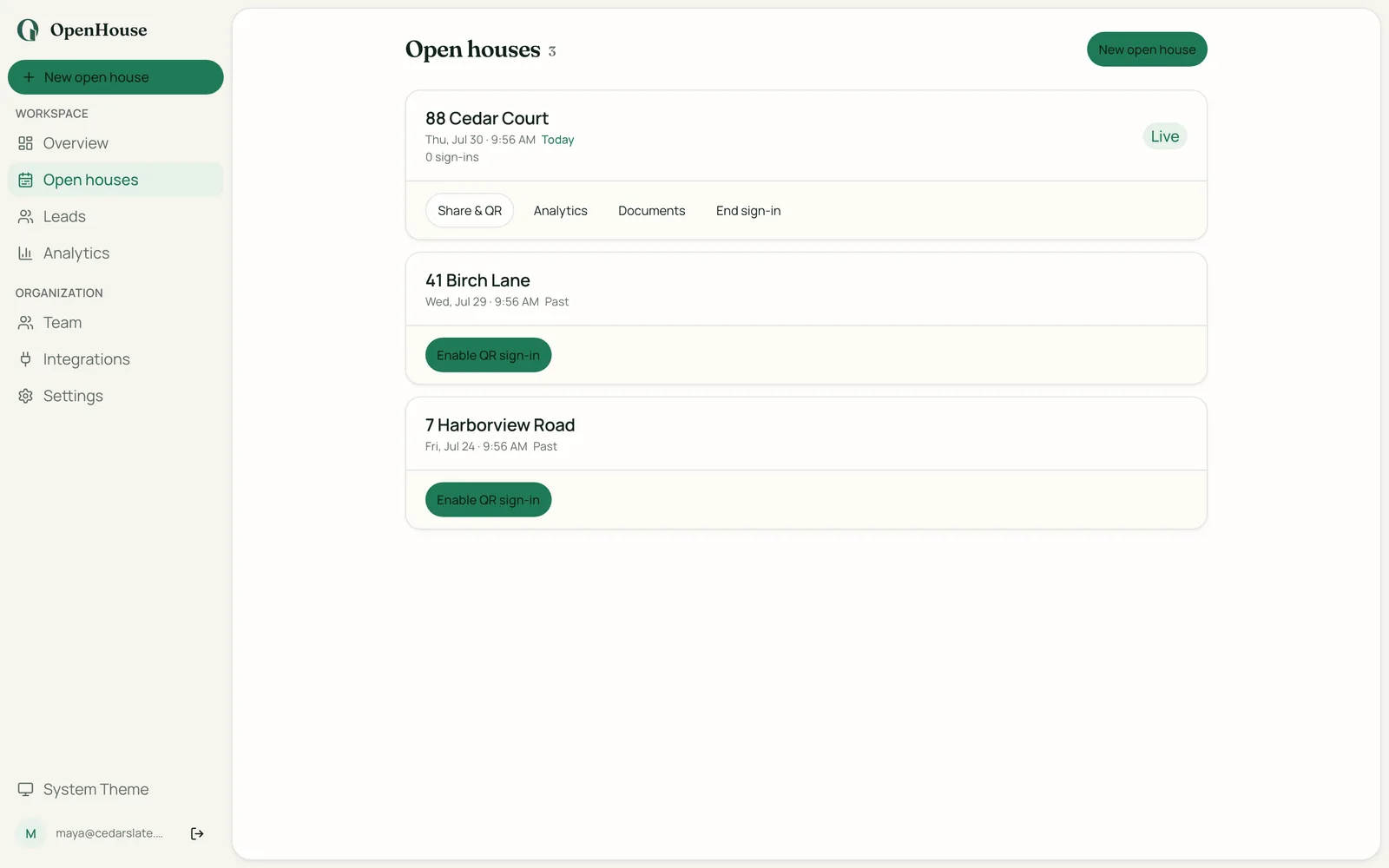
Shared visibility is only worth something if the data underneath it is clean. In OpenHouse, every open house is its own event, tied to a specific address. Leads captured at that event live in that event. An agent running two listings back-to-back creates two events and the visitors never mix. When those leads reach the team dashboard, they arrive stamped with the address and the hosting agent, so filtering by listing, by agent, or by weekend takes one click.
This matters more than it sounds. Apps that dump everything into a single shared pool leave real ambiguity about which lead came from which event, especially when two agents work the same Saturday. Apps built on a sync-later model, where leads queue on the device and push whenever a connection appears, can delay or drop records when the signal is intermittent. The Close's open house app guide consistently flags data reliability as the top complaint in this category. Event-scoped capture written to the device first avoids that failure mode, and the sync to the team dashboard rides on top of a record that is already safe.
The other piece of lead hygiene teams care about: representation status. OpenHouse captures whether each visitor is already working with an agent, so the team dashboard and your CRM can both segment represented buyers out immediately. That saves the agent doing follow-up from calling someone who is firmly off the market. It also gives the team a consistent buyer-representation disclosure at every door, which is the part of the NAR settlement changes that shows up in open house duty.
How a team runs a weekend
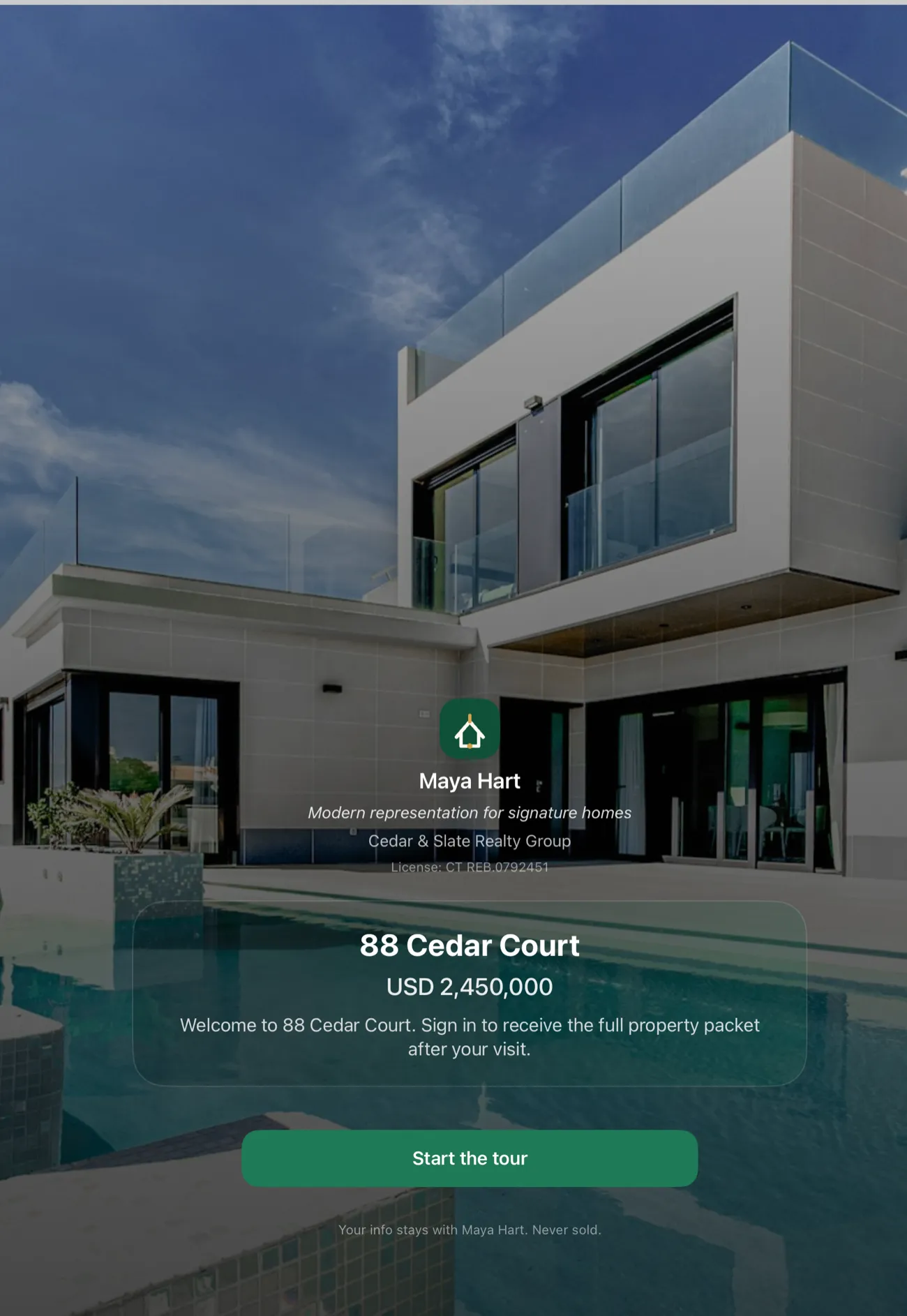
Friday (setup): Each agent creates an event for the address they are covering, sets the property details, and configures the sign-in questions. Teams usually standardize on the same questions across every listing: representation status, timeframe, working with a lender. Turn on kiosk mode so visitors sign themselves in, and print the QR sign for the entry table.
Saturday and Sunday (the open house): Visitors sign in on the agent's iPad, or scan the QR code and sign in on their own phone. Every lead is written to the device the instant they tap submit. The agent can be in the kitchen talking about the layout while someone signs in at the door.
As the agent leaves: The moment the device has a connection, that event's leads sync to the shared dashboard and send to the team CRM. The team lead can see Saturday's numbers from three listings before anyone gets home.
Monday morning: The CRM already has clean, address-tagged records from every listing. The leaderboard shows who captured what. Nobody spent Monday on data entry, and no lead slipped through because a sync did not fire over a bad connection.
Leads go to your team's CRM on their own
Connect the team's CRM once and each agent's leads flow into the shared pipeline after every event. Here is where each platform stands:
| CRM | How leads arrive | Setup |
|---|---|---|
| Follow Up Boss | Sends after each event, address-tagged | Connect once |
| HubSpot | Sends after each event, address-tagged | Connect once |
| kvCORE / BoldTrail | Sends after each event, address-tagged | Connect once |
| Lofty | Sends after each event, address-tagged | Connect once |
| Sierra Interactive | Sends after each event, address-tagged | Connect once |
| Any other CRM | CSV import, vCard, or email-to-lead | ~2 min per event |
Automatic delivery is the convenience. Portability is the promise underneath it. Every lead is still a plain CSV or vCard when you want one, so changing CRMs, or changing sign-in apps, never means untangling a proprietary pipe. That is the whole point of export-first lead handoff: your team's leads are never held hostage, and if a subscription lapses you can still view and export everything you captured.
One CRM-specific note for teams on Follow Up Boss: if you run a smart list for unrepresented buyers in a price band, the representation-status field OpenHouse captures at the door feeds it directly. Highnote's breakdown of the best open house apps calls out CRM compatibility as the biggest difference between an app that works for one-off use and an app that fits a team's workflow.
Per-seat pricing, and what a team actually pays
Each agent on the team needs a seat: $9.99 per month, or $79.99 per year, per seat. The first month is free. A four-agent team on the yearly plan runs $319.96 for the year, and a team of ten runs $799.90.
Seats are yours to move. Hire an agent in March and add a seat in March. Lose one in September and drop the seat in September. There is no device count to track, because a seat belongs to an agent rather than to an iPad, and the same login works on the agent's phone, their tablet, and the web dashboard. Full pricing is on one page with no per-lead fee hiding underneath it.
Two ways visitors sign in
Teams end up using both, often at the same listing.
The iPad at the entry table is the workhorse. It runs kiosk mode, it works with zero signal, and it gives the agent a natural reason to greet someone at the door.
QR self-sign-in puts the form on the visitor's own phone. They scan a code on the sign, fill it in while they walk, and nothing to install. It clears the line when four groups arrive at once, and it is the answer for visitors who would rather not touch a shared screen. One honest caveat: QR sign-in loads on the visitor's phone over their own signal, so at a true dead-zone listing the iPad is the reliable option.
Offline capture at every listing
The biggest operational risk for a team running several open houses on the same day is a technology failure at the worst moment. An app that needs a data connection to save a sign-in is a liability at any listing: a rural property, a high-rise with dead elevator reception, new construction where the ISP has not activated service, or a building where so many agents are hosting at once that the shared Wi-Fi is saturated.
OpenHouse's offline-first capture makes zero network calls during sign-in on iPad and iPhone. Leads are written to on-device storage the moment the visitor taps submit. If the agent's device has no signal for the entire four-hour open house, every visitor is still captured, and the whole batch reaches the team dashboard and the CRM as soon as the agent is back in range.
For a team sending an agent to a listing they have never been to, that removes the pre-event Wi-Fi call. "Does the listing have Wi-Fi? What is the password? What if it is slow?" None of it matters. HousingWire's coverage of open house technology has noted that connectivity assumptions are the quiet failure mode across prop-tech. Real estate runs in the physical world, and the physical world has dead spots.
Seller reports after a team open house
One workflow teams often overlook: the seller report. After an open house, the listing agent owes the seller a traffic summary. How many visitors came, what they were looking for, what feedback they left. Doing that from a paper sheet or a rough memory of the afternoon is slow and imprecise.
OpenHouse generates a seller report straight from the event data, covering visitor count, representation breakdown, buying timeframes, and any notes taken during sign-in. When the agent who sat the open house is not the listing agent, that report is also the cleanest handoff of the "what happened Saturday" briefing, and both agents can pull it from the shared dashboard without a phone call.
A team running four listings in a weekend can produce a report for each address in the time it takes to write one follow-up email. Sellers notice.
Running multiple open houses in one weekend
For a team coordinator thinking through the logistics, the guide on running multiple open houses in one weekend walks through scheduling, staffing, and setup. The short version as it applies to OpenHouse: create a separate event per address before anyone leaves the office on Friday, turn on kiosk mode at each one, and let the sync handle the rest. There is no export step to forget.
How OpenHouse compares to the alternatives
Curb Hero is the tool teams reach for most often because it is free, and it is genuinely well-rated (4.9 stars) with a clean sign-in screen. The honest trade-off is the business model: it runs on lender co-marketing, and their help center explains that a default lender may be assigned to listings and that visitor information is shared with that lender when visitors opt into mortgage questions. For a team with its own lender relationship, or one that would rather nobody else touches its visitor list, that is worth weighing.
Open Home Pro has a team tier, is tablet-only for sign-in, and uses a sync-later offline model where leads queue on the device and push when a connection returns. For an iPad-standardized team with reliable Wi-Fi at its listings, it is a reasonable option.
The comparison of the best open house apps has the full side-by-side, and which open house app to standardize on walks through the decision itself.
Choose OpenHouse if: your team works listings where Wi-Fi is unreliable; you want one dashboard for everyone's leads without handing ownership of them to a vendor; you want leads in the CRM you already pay for, automatically; or you want per-seat pricing you can add to and cut as agents come and go.
Look elsewhere if: you want the open house app to be your CRM too, with drip campaigns, pipeline stages, and a dialer; or you need Android tablets doing offline capture at the door. The web dashboard runs in any browser, but offline sign-in is iPad and iPhone.
What OpenHouse is not
OpenHouse is not a CRM and is not trying to become one. It does not send drip emails, manage pipeline stages, score leads, or dial anyone. Those belong in the system your team already runs.
What it does is make the capture-and-handoff moment reliable at every listing, keep every lead straight by address and by agent, show the whole team the same picture, and put the results in your CRM before anyone gets back to the office. Your leads stay yours the entire time, exportable in every format, sold to nobody.
The first month is free. Invite your agents, run a real weekend, and check the dashboard on Sunday night. The open house lead capture workflow is the clearest argument for it, and it survives dead Wi-Fi, a line at the door, and a Monday morning that no longer involves a spreadsheet.
Frequently asked questions
Can multiple agents on a team use OpenHouse at the same time?
Yes. Invite your agents to a shared team workspace and each one gets their own seat, their own login, and their own events. Three agents can work three different listings on the same Saturday, and every lead lands in one shared dashboard tagged with the address and the agent who hosted.
Is there a team plan for OpenHouse?
Yes. Team billing runs per seat: $9.99 per month or $79.99 per year for each agent, with the first month free. Add a seat when someone joins the team and drop it when they leave, so what you pay follows your roster.
How does OpenHouse keep leads separated by agent and listing?
Every event is tied to one address. Leads captured at that event stay in that event, so an agent covering Maple St and a teammate covering Oak Ave never see each other's visitors mixed together. In the shared dashboard, every lead arrives tagged with its listing and its hosting agent, so you can filter by listing, by agent, or by weekend.
Can a team leader see every agent's open house leads?
Yes. Every lead the team captures syncs to a shared cloud dashboard the whole team can see, and a leaderboard ranks sign-ins by agent. Nobody has to email a spreadsheet around on Monday morning.
What CRMs does OpenHouse send team leads to?
OpenHouse sends leads to Follow Up Boss, HubSpot, kvCORE, BoldTrail, Lofty, and Sierra Interactive on their own after each event, tagged with the property address. Using a different CRM? Every lead still exports as CSV, PDF, or vCard, which any CRM accepts.
Does OpenHouse work without Wi-Fi at listings?
Yes. On iPad and iPhone, sign-in writes to the device with no network call, so a four-hour open house in a dead-zone listing captures every visitor. Those leads sync to the team dashboard and send to your CRM as soon as the device has a connection again.
Is OpenHouse a team CRM?
No, and it doesn't try to be. OpenHouse captures visitors at the door, keeps them straight by listing and by agent, shows the whole team what happened, and hands every lead to the CRM you already pay for. It does not run drip campaigns, manage pipeline stages, or dial for you.