
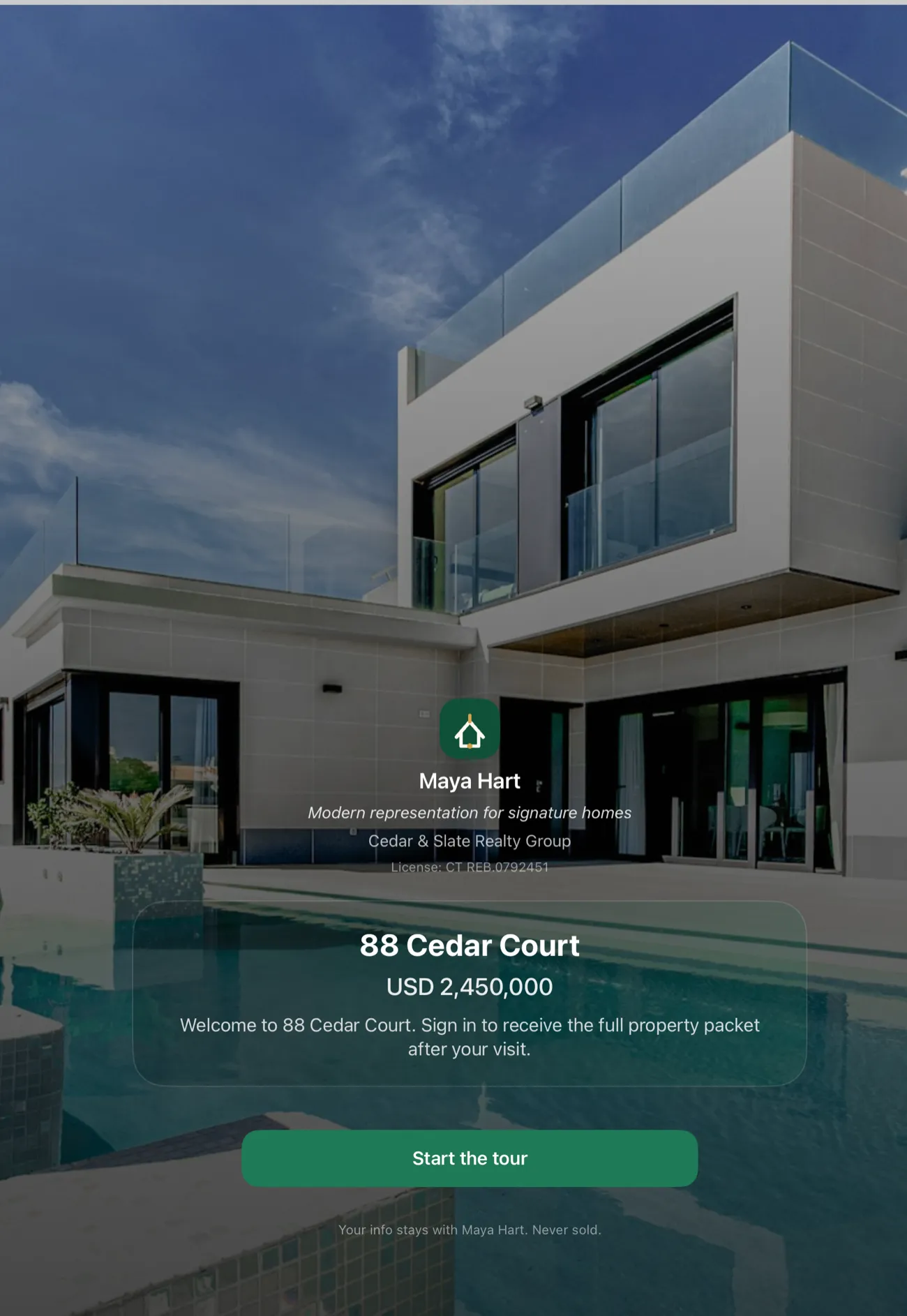
Rental open house sign-in looks different from a residential sales event in a few important ways: volume is higher, the audience is prospective tenants rather than buyers, the unit may be completely empty with no cell signal or building Wi-Fi, and you need a prospect list you can hand off to a leasing platform the same afternoon. OpenHouse was built for exactly that scenario. It is a sign-in and lead-capture tool that runs without a network connection, lets prospects sign themselves in on a single screen in about ten seconds, and exports a clean contact list to whatever leasing or property-management tool you already use.
Why a clipboard still haunts apartment showings
The paper sign-in sheet at a rental showing has two failure modes that everyone in property management knows well. The first is illegibility: a prospect scribbling their phone number while holding a manila folder of application documents writes digits that you cannot decipher on Monday morning. The second is incompleteness: a busy showing with eight prospects walking through in forty-five minutes produces a sheet where the last four names are missing contact info entirely, because the clipboard was stuck in someone's hand on the second floor while the rest of the group signed leases with their imagination.
Digital sign-in solves both problems but introduces a new one if you pick the wrong tool. A browser-based form that needs Wi-Fi credentials is dead the moment a prospect walks into a unit with no signal. A multi-screen survey form that takes two minutes to complete loses the prospect who glanced at it and decided the kitchen was more interesting. A platform that requires the prospect to download an app or create an account loses almost everyone.
Roundups like The Close's best open house apps guide and Highnote's best open house app list review these tools primarily for residential sales, but the evaluation criteria, sign-in speed, offline reliability, export quality, are exactly the same for rental showings and arguably matter more when you're running a high-volume tenant event.
The offline problem is worse in rentals
A vacant residential listing at least usually has utilities connected and a real estate lockbox that signals you remembered to show up. A vacant rental unit may have no active utilities, no building Wi-Fi credentials you can hand to a leasing agent, and cellular dead zones created by the building itself. Third-floor concrete construction in a basement corridor is reliably hostile to data connections.
OpenHouse makes no network calls at any point during a showing event. Sign-ins save directly to the device's local database the instant a prospect taps done, not queued for upload, not held in memory until sync, actually written to disk on the iPad. Airplane Mode runs the same as full-signal. The unit with four bars of LTE and the unit with none run the same sign-in flow.
This is different from apps that advertise "offline support" but mean a sync-later model: data captured offline queues locally and uploads when the connection returns. Sync-later works for occasional dead zones. It works less well when you have seventeen prospects cycling through a showing in an area where "connection returns" means driving out of the building entirely. There is no queued-but-unsynced state in OpenHouse, because there is no sync step at all.
Single-screen sign-in at rental velocity
A busy apartment open house is not a sedate residential showing where you have thirty minutes with each couple. It is eight to twelve prospects arriving inside a ninety-minute window, some in groups, some overlapping, some already having toured two other units today and running on tolerance fumes. The sign-in step needs to be faster than the prospect's patience, which at a fourth showing of the day is short.
OpenHouse shows one screen with four required fields, name, last name, email, phone, and nothing else until the prospect is done. The single-screen sign-in flow is designed to finish inside ten seconds. No "next" buttons, no account creation, no scrolling. Optional fields for additional qualifying questions (timeline, application status, how they heard about the unit) sit below the required four and never block the done button. The fast prospect finishes in seconds. The talkative prospect who wants to note that they are pre-approved and coming from another building keeps scrolling and tells you everything.
Both types of prospects save as complete, contactable leads.
Kiosk mode for high-volume rental events
For a touring event where multiple prospects cycle through simultaneously, kiosk mode converts the iPad into a self-serve sign-in station. Set the device on a stand by the door or the kitchen counter. Prospects sign themselves in while you answer questions about square footage. The screen resets automatically after each submission.
You can lock the device into kiosk mode inside OpenHouse without additional tools, or use Apple's Guided Access to lock the iPad at the system level so prospects can only interact with the sign-in form. Either approach means the device sits unattended without risk of a prospect wandering into your lead list or closing the app.
Property managers running monthly open houses for available units, leasing agents doing Saturday touring events, and individual landlords showing a duplex, all of them benefit from a sign-in station that runs itself while they work the room. The private lead capture model also means prospects see only the sign-in form, not anyone else's contact information, which matters in a rental context where multiple prospects may be competing for the same unit and tensions can run high.
What OpenHouse captures, and what it doesn't
It is worth being clear about what OpenHouse is and what it is not, because the rental market has a lot of platforms that do screening, background checks, lease management, and tenant communication.
OpenHouse captures this:
| Field | Use in rentals |
|---|---|
| First name + last name | Prospect identification; matches against application list |
| Email address | Follow-up channel; CC on application instructions |
| Phone number | Direct contact; text for showing feedback or availability updates |
| Optional: timeline | When do they need to move? |
| Optional: notes field | Agent can add context after the conversation |
OpenHouse does not do background checks, credit pulls, rental history verification, income verification, lease document generation, maintenance requests, rent collection, or any of the other functions in a property-management platform like AppFolio, Buildium, Yardi, or a leasing CRM. That is the right division of labor. The sign-in step is the first contact in the tenant funnel. Everything that follows, application, screening, lease, happens in your existing workflow. OpenHouse hands you the contact list and stays out of the rest.
This is also why the privacy model matters in rentals. Tools like Curb Hero are free for residential agents and genuinely popular, 4.9 stars across thousands of reviews, but their own help documentation explains that a default lender may be assigned to listings and lead information is shared with lenders when visitors opt into mortgage questions. In a residential sale, that may or may not be a concern depending on how you feel about lender co-marketing. In a rental context, it is simply the wrong model: prospective tenants are not buyers, they are not mortgage prospects, and adding a lender data-sharing layer to your rental showing sign-in is friction that benefits no one in the transaction.
OpenHouse has no lender co-marketing, no lead resale, and no advertising network. The prospect data sits on your device until you export it.
Exporting your prospect list
After the showing, you export. OpenHouse gives you several paths:
- CSV, paste into Google Sheets, a leasing platform, or a property-management system
- PDF, a formatted contact sheet for printing or emailing to a property owner
- vCard / Contacts, import directly to your iPhone address book for immediate calling
- CRM handoff, export to whatever CRM or leasing tool you use via a share action
The lead export feature is designed around the reality that most property managers and leasing agents already have a system, Buildium, AppFolio, a shared spreadsheet, a CRM, and do not need OpenHouse to be that system. The export step is a deliberate handoff point, not an attempt to expand into property management.
This also means the data is yours. No lock-in, no per-export fees, no minimum subscription to access your own leads. If you cancel OpenHouse, the app enters a read-only state where you can still view and export every lead you ever captured. The data does not disappear.
Privacy framing for rental prospectives
Prospective tenants sign in to open houses with varying degrees of willingness. Some are happy to hand over a phone number. Others are cautious, they have been through enough rental showings to know their contact information sometimes ends up in mailing lists, spam campaigns, or shared with lenders and advertisers they never agreed to talk to.
The framing that works in residential sales, "sign in so I can send you the disclosure packet and price updates", works slightly differently in rentals. "Sign in so I can send you application instructions and let you know if a unit opens up" is honest and relevant. It is the actual reason you need the contact information, and prospective tenants respond to that framing better than a generic "please register."
OpenHouse's sign-in form is intentionally minimal: it doesn't show your brokerage brand in a way that signals "this data goes to a company," it doesn't ask for information that isn't relevant to the showing, and the privacy-forward model (data stays on the device) gives you something honest to say if a prospect asks where their information goes. "It stays on my iPad until I export it to my own leasing system" is a real answer. It is harder to give that answer if the tool routes sign-in data through a cloud platform with lender partners.
NAR research and statistics consistently shows that trust and communication are the top factors in how clients, and prospective tenants are clients in this moment, evaluate their experience with an agent or leasing professional. A sign-in process that respects the prospect's time and data sets the right tone for the rest of the relationship.
Comparing your options
A brief honest look at the landscape for rental showing sign-in tools:
Paper clipboard, Free, always works, universally legible to nobody, loses data at high volume. If you still keep a paper backup, at least know its limits.
Google Forms or similar, Free, works if you have a Wi-Fi connection to share. Breaks in dead-zone units. Exports to Google Sheets, which is fine, but requires setup per property. No kiosk mode. Every prospect sees the URL. Fine for low-volume, good-signal situations. See Showable's sign-in app comparison for a broader view of where DIY form tools fit.
Curb Hero, Free for agents, excellent for residential sales, 4.9 stars. Designed primarily for buyer-facing open houses and real estate agent lead capture. Lender co-marketing model may not fit rental context. Worth knowing for residential work; less suited as your primary rental showing tool.
Open Home Pro, Tablet-only sign-in with a sync-later offline model. Active in 2026. Focused on residential sales sign-in and seller reports. Less targeted at rental and multi-unit showing workflows.
OpenHouse, $9.99/month or $79.99/year, one-month free trial. Offline-first (zero network calls), single-screen sign-in, kiosk mode, CSV/PDF/Contacts export, no lender co-marketing, no data resale. Designed for any showing where you need a fast, reliable prospect list you can export into your own workflow.
Choose Curb Hero if you do primarily residential sales and want a free tool with strong agent-community adoption and lender co-marketing integration is not a concern. Choose OpenHouse if you need offline reliability in empty units, a prospect list you fully control, and a sign-in flow fast enough for high-volume rental events.
Setting up for a rental showing
The setup for a rental open house with OpenHouse takes less than two minutes:
- Open the app, create a new event, name it by the property address.
- Turn on kiosk mode if you want a self-serve station. Set the iPad on a counter or bring a small stand.
- Add any optional qualifying fields relevant to the showing, move-in timeline, number of occupants, pets, or leave the form at the four core fields for maximum sign-in speed.
- Leave the iPad at the sign-in station or hand it to each prospect as they arrive.
- After the showing, export to CSV and paste into your leasing platform, or share to Contacts for immediate follow-up.
That is the whole workflow. No account creation for prospects, no app download for you or them, no network dependency. The first month is free, run a rental open house next weekend and see how the prospect list compares to what you get off a paper clipboard.
Frequently asked questions
Can I use OpenHouse for apartment showings, not just home sales?
Yes. OpenHouse is a sign-in and lead-capture tool, not a listing platform, so it works for any showing where you need to collect prospective tenant contact info, single showings, group open houses, or high-volume touring events.
Does the sign-in work in empty units without Wi-Fi?
Yes. Every sign-in saves to the device the moment the prospect taps done. There is no network call and no sync queue, so a unit with no service, no password-protected building Wi-Fi, or a spotty hotspot all run the same fast sign-in.
Can I export the prospect list after the showing?
Yes. After the showing you export to CSV, PDF, vCard, or your iPhone Contacts. Paste the CSV into a spreadsheet, a leasing platform, or any property-management tool, OpenHouse hands you the data and stays out of the rest of the workflow.
Is OpenHouse a property-management or tenant-screening tool?
No. OpenHouse captures sign-ins and exports contact lists. Tenant background checks, credit screening, lease management, and maintenance requests live in your existing leasing or PM platform, OpenHouse is the first step, not the whole pipeline.
How do I handle a high-volume showing event with many visitors?
Set the iPad on a stand by the door in kiosk mode and let prospects sign themselves in while you work the room. Each sign-in takes around ten seconds, the screen resets automatically, and you review the full prospect list when the event ends.
Does OpenHouse share prospect data with advertisers or lenders?
No. Leads never leave the device unless you export them. OpenHouse has no lender co-marketing, no lead resale, and no third-party ad network, the data belongs to you.